THERMOSTAT PROCEDURE
THERMOSTAT PROCEDURE
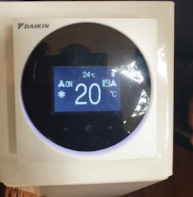
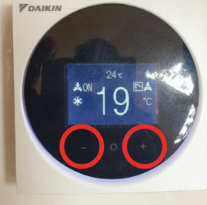
- When the system is in standby, the temperature shown on the top of the device (small) is the current temperature in the tent. The temperature on the bottom (big) is the desired temperature, in °C.
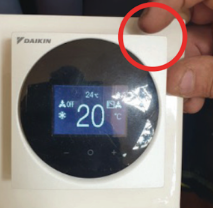
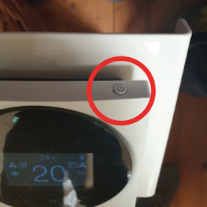
- The on/off button is located on the top right corner of the display. Push it once to turn on/off the device.
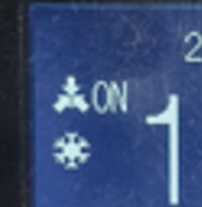
- When the system is on, the frame lights up blue, and it shows “ON”; if “OFF” is shown, it means that the system is off.
- To adjust the temperature, you have to click the “-” button to lower it and the “+” button to raise it. When the desired temperature is modified, the system automatically starts after a few moments, until it reaches the set temperature.
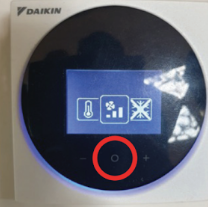
- By clicking on the round central button, you can access the speed fan regulation. To confirm the selection, click once more on the round button.
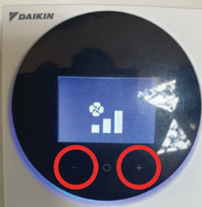
- To change the fan speed, you have to click on the “-” button to make it slower, and on the “+” button to make it faster. 3 speed settings are available.
The device does not allow any other setting changes. Any other shown function is not enabled.